Plot Spots
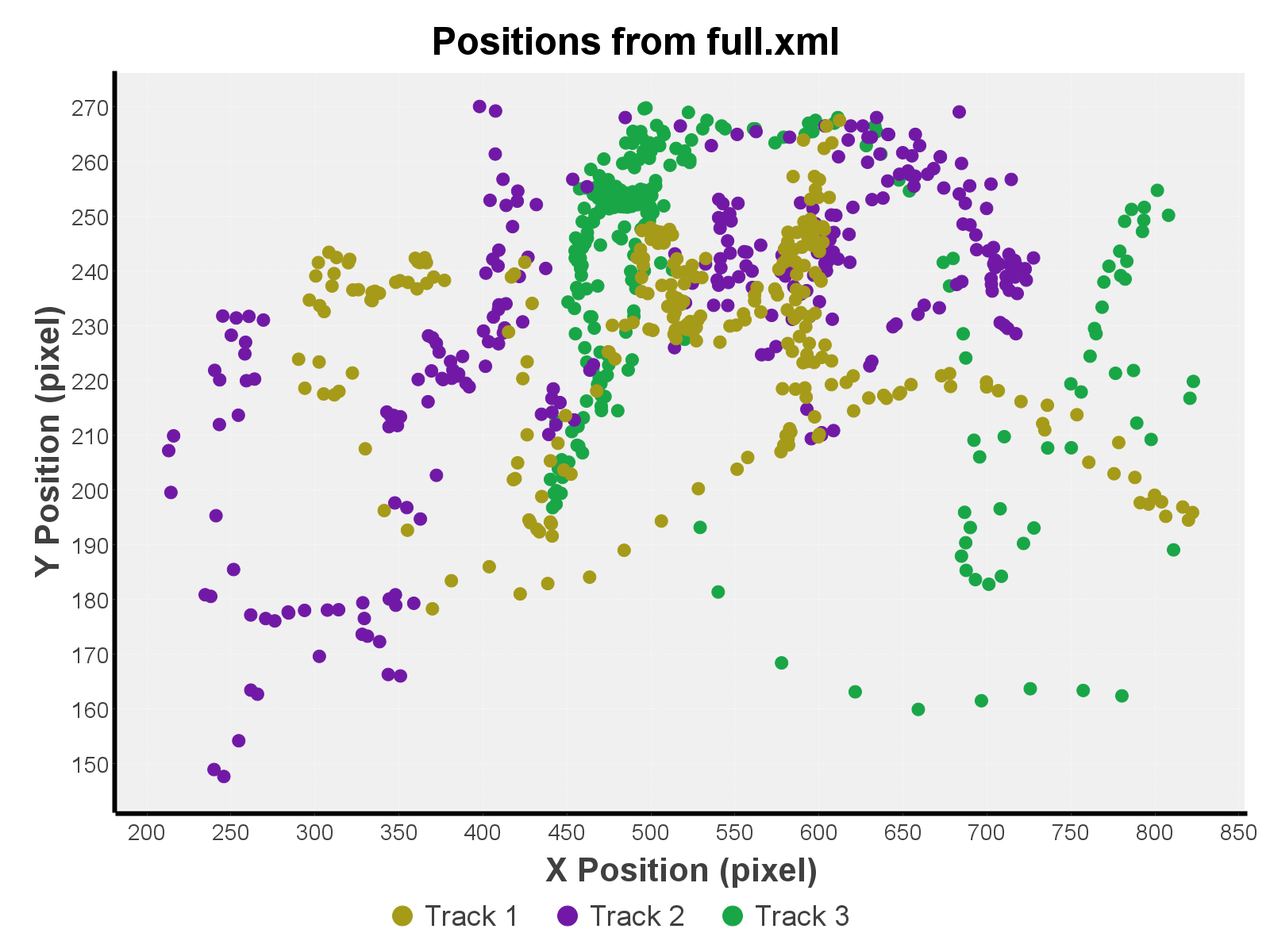
Extract spots position data from a given Trackmate file. Outputs a scatter plot and a results table.
Results Table Output
Exporting data from imageJ's result tables to the default CSV option can led to problems related to decimal case separators. If you found this error, we recommend the usage of Excel Functions, a plugin that allows trouble-free data exports to xlsx format.
Interface
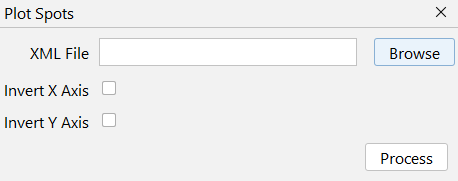
XML File
Two possible files can be used here:
- Trackmate's whole save file
- Ideal option overall.
- Mandatory if you only have spots and no tracks. In this case, spots will be considered as-is, without fixing missing spots.
- If there are any tracks, all spots outside them will get filtered out.
- Output of trackmate's
Export tracks to XML fileexport action.- Only spots in tracks get saved in this file, so only them will be considered.
Source Video
The source video used for tracking. Ideally not the processed one, so you can set the ROIs better.
Output
- Scatter Chart: Simple chart to represent spot positions.